
Brands
Esta página aún no está disponible en tu idioma.
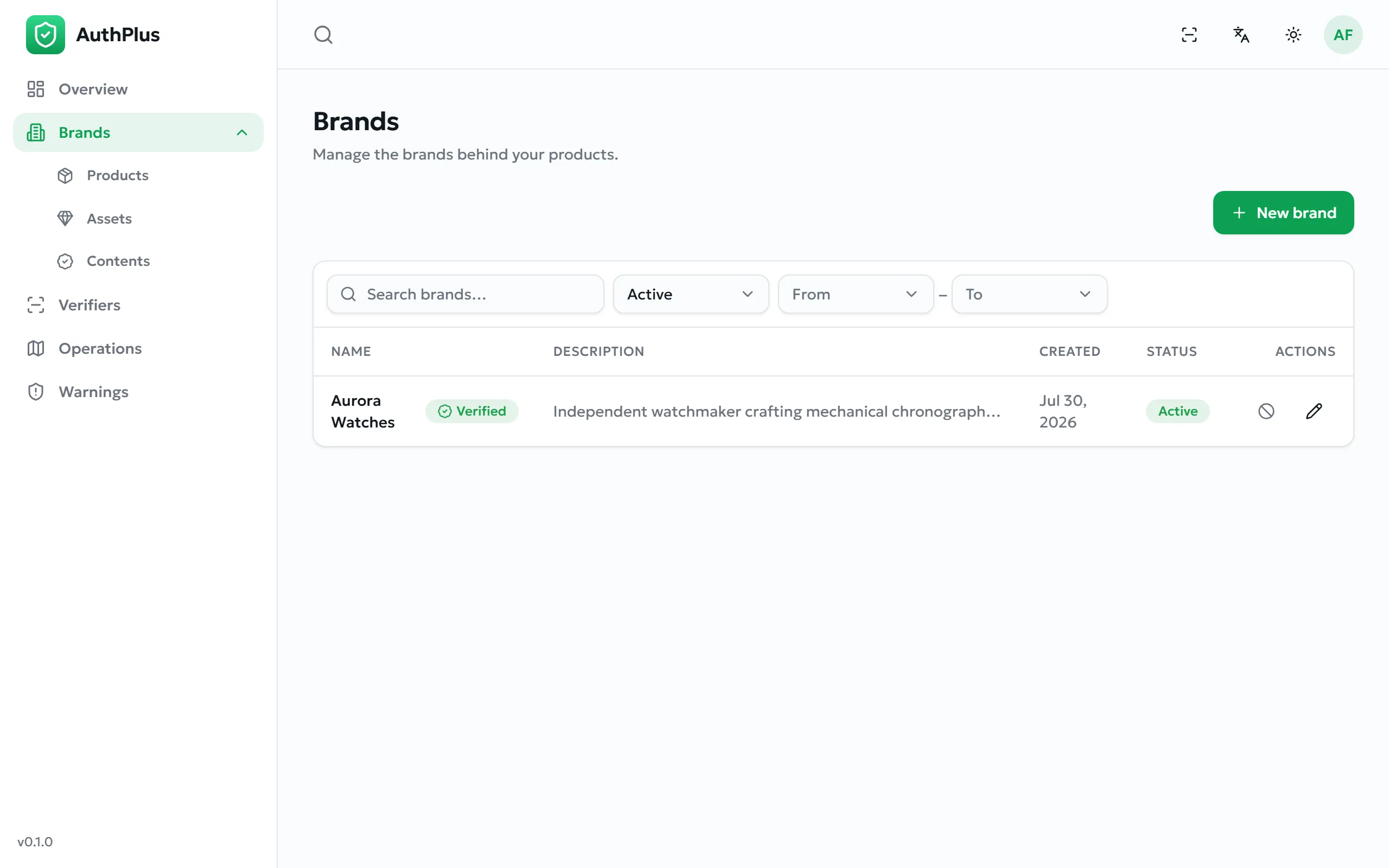
The first thing to create: everything else hangs off a brand.
Creating a brand
Section titled “Creating a brand”Purpose. Register the name that will appear to anyone verifying your products.
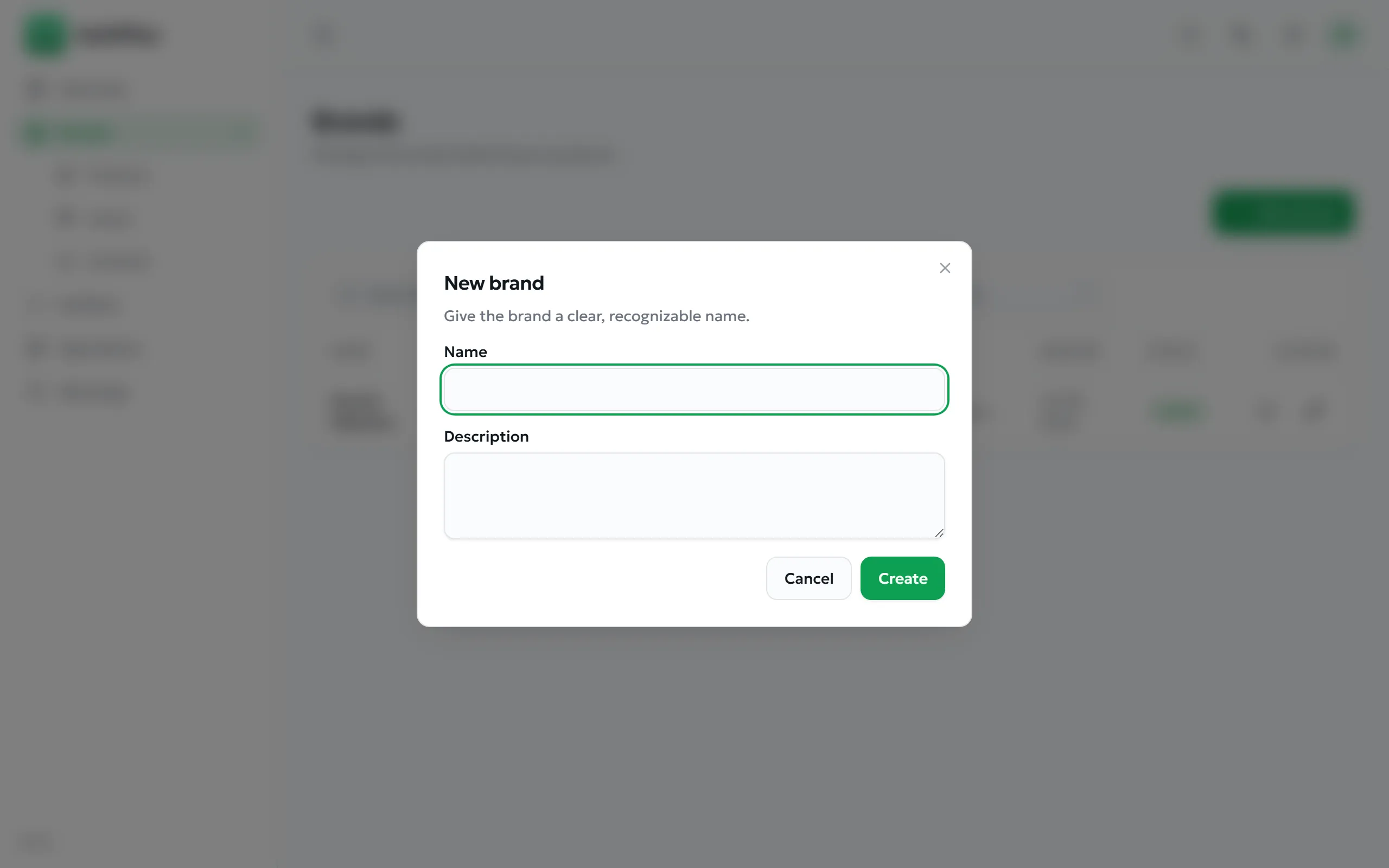
- Open Brands and select New brand.
- Enter the Name — required, and shown on every verdict screen.
- Add a Description (optional).
- Select Create.
Expected result. The brand appears in the list with status Active and can immediately be chosen when creating products.
Adding a logo
Section titled “Adding a logo”Open the brand and use Add logo. The logo appears next to the brand name on verdict screens, which is a strong trust signal for customers.
| Requirement | Value |
|---|---|
| Format | An image file. Non-images are rejected with please upload an image file. |
| Maximum size | 8 MB |
| Recommendation | A square image on a transparent or white background reproduces best at small sizes. |
Requesting the verification badge
Section titled “Requesting the verification badge”Purpose. Obtain the green check displayed beside your brand name on every verdict screen — the visible proof that AuthPlus has confirmed you are who you claim to be.
- Open the brand and choose the verification request action.
- Add a note explaining who you are, and attach supporting evidence — registration documents, trademark certificates. Images and PDFs are accepted, up to 8 MB each.
- Submit. The brand’s status becomes Pending.
Expected result. An administrator reviews the request and approves or rejects it (Brand verification). Once approved, the badge appears everywhere the brand is shown.
| Status | Meaning |
|---|---|
| None | No request has been made. No badge is shown. |
| Pending | Submitted and awaiting review. You cannot submit again while pending. |
| Verified | Approved. The green check is displayed to everyone. |
| Rejected | Declined, with a reason from the reviewer. You may correct the issue and request again. |
Common errors
Section titled “Common errors”| Message | Resolution |
|---|---|
| Brand is already verified or pending review | A request is already open, or the badge is already granted. Nothing to do. |
| Attachments must be images or PDFs | Convert the evidence to PDF or an image before attaching. |
| Name is required | Shown when saving a brand with an empty name. |
Editing and archiving a brand
Section titled “Editing and archiving a brand”Editing is immediate and affects what verifiers see from then on. Archiving is the emergency control: