
Warnings
Esta página aún no está disponible en tu idioma.
Automatic alerts on suspicious activity affecting your codes.
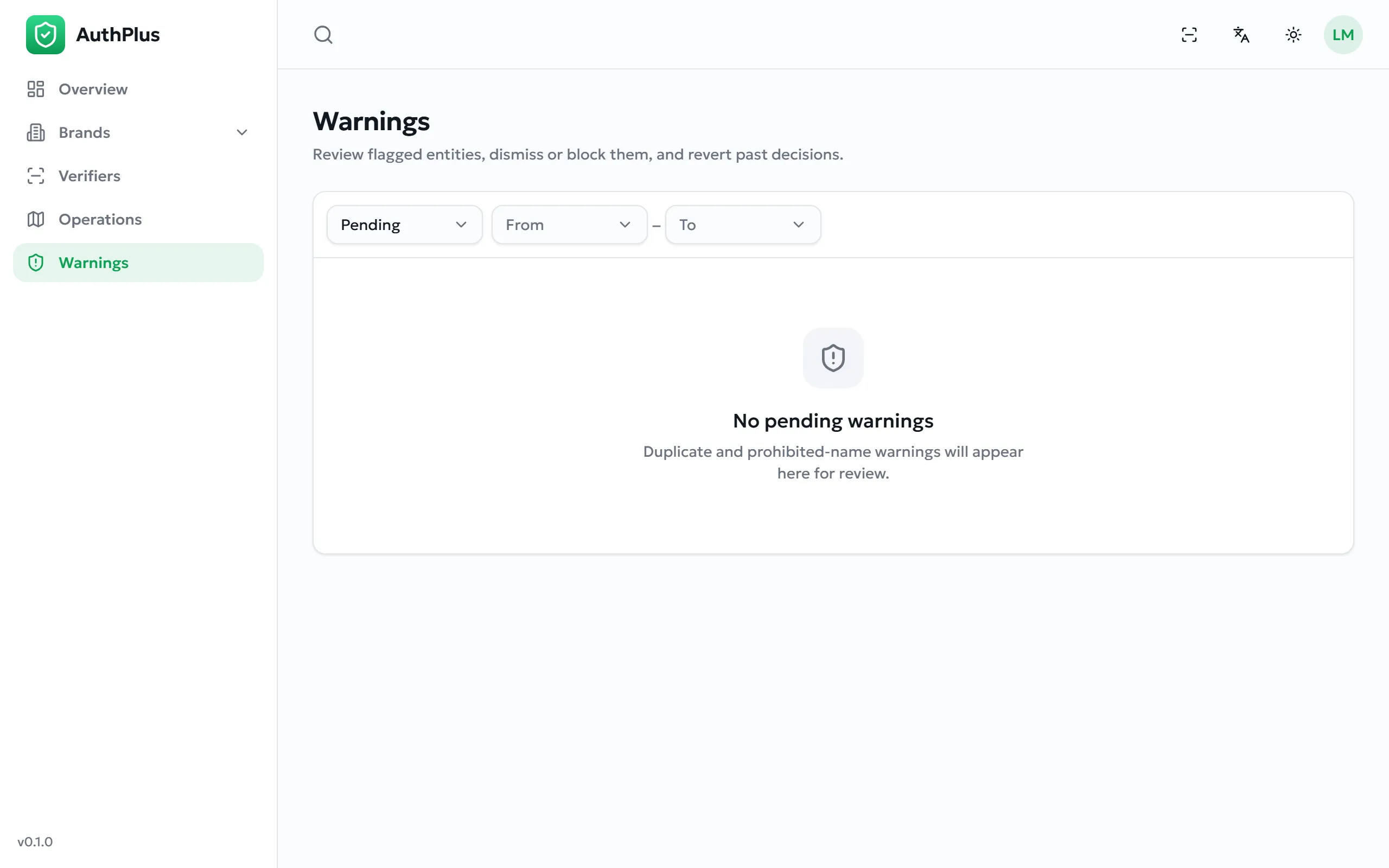
As a brand owner you see one kind of warning: over-verified codes. A warning is raised when one of your codes has been verified more times than the ceiling you set in your profile (Your verification ceilings) — the clearest automated signal that a code has been copied onto counterfeit goods.
Handling a warning
Section titled “Handling a warning”- Open Warnings. Pending items are shown by default; the sidebar badge counts them.
- Read the entry: which code, which subject, and how many scans it has accumulated.
- Cross-check it in Operations — filter by that code and look at where and how often it was scanned.
- Decide:
- Dismiss — the activity is legitimate. The warning is closed; the code keeps working.
- Block — the code is compromised. It is archived, so it stops verifying at once and any further scan returns This product has been withdrawn.
A closed warning can be reopened later with Revert, which also restores a blocked code.
| Status | Meaning |
|---|---|
| Pending | Awaiting your decision. Counted in the sidebar badge. |
| Dismissed | Judged legitimate. The code was left active. |
| Resolved | The code was blocked. |