
Products
Esta página aún no está disponible en tu idioma.
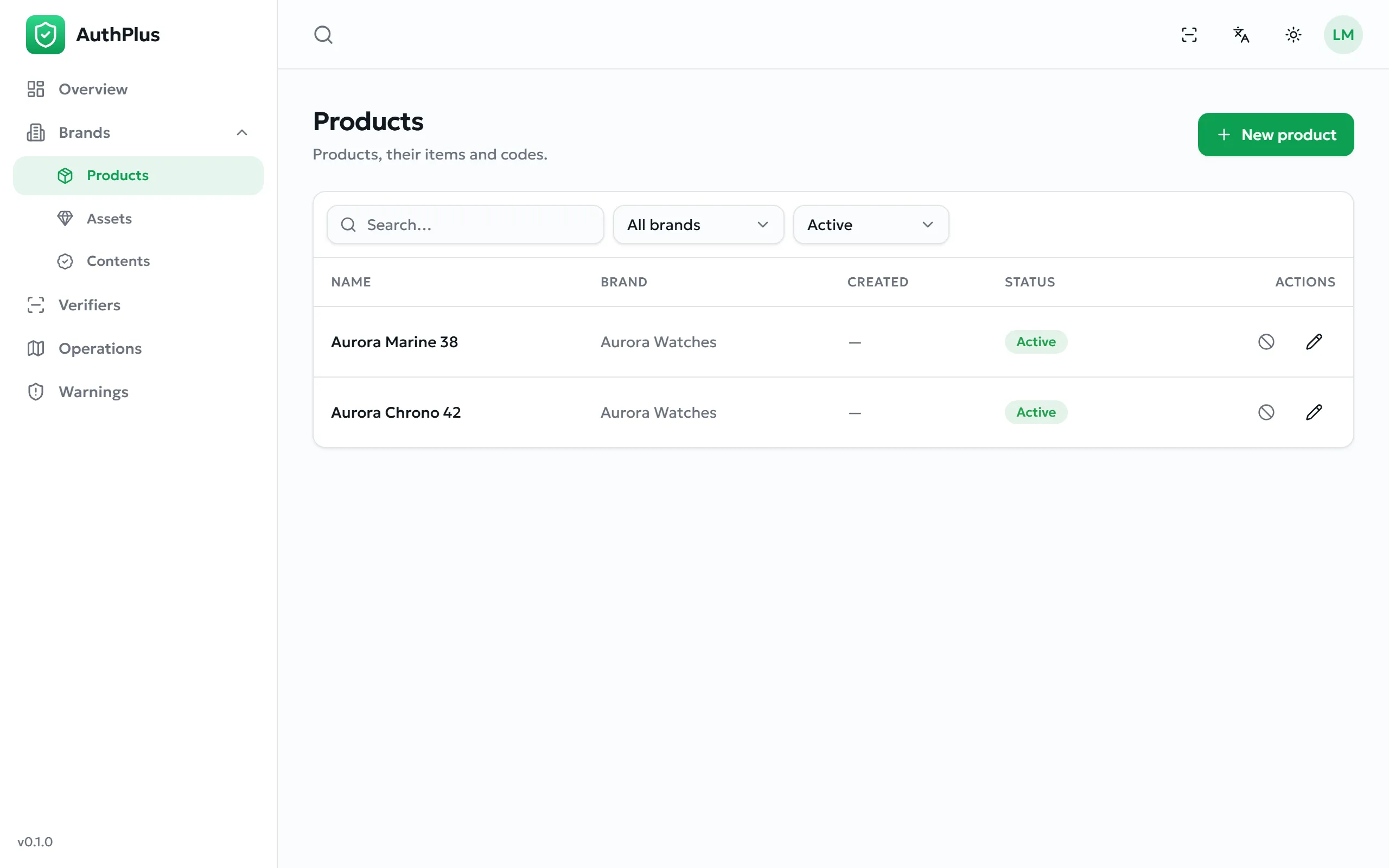
Manufactured goods, organised as product → batch → codes. This is the most common workflow in AuthPlus.
Creating a product
Section titled “Creating a product”- Open Products and select New.
- Enter the Name as customers know it — it appears on the verdict screen.
- Choose the Brand.
- Add a description (optional) and create.
Expected result. The product is listed with counts of its items and codes, both zero for now.
Adding a batch
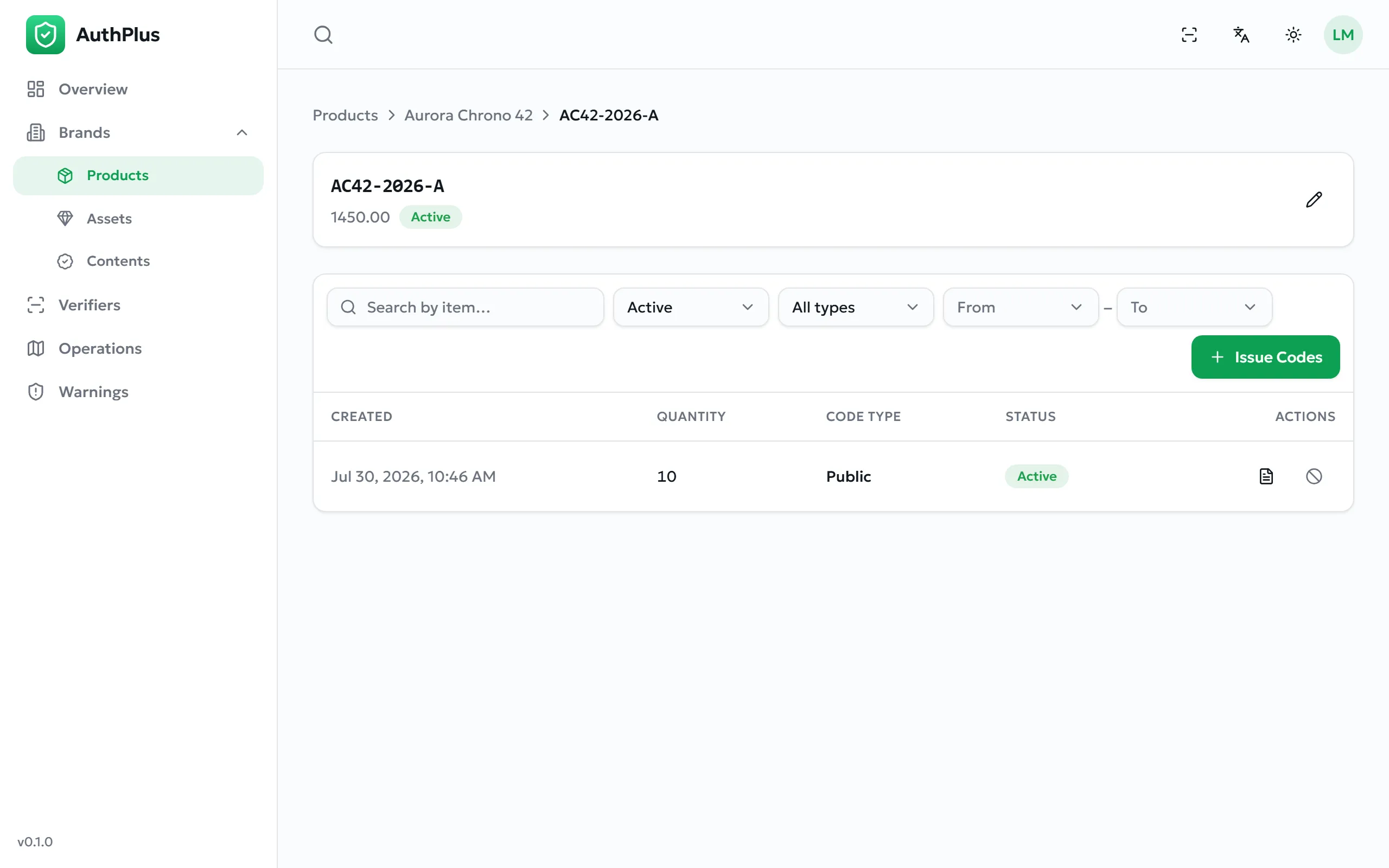
Section titled “Adding a batch”Purpose. A batch (an item) is the production run that codes will be minted for. Splitting production into batches lets you withdraw one run without touching the others.
- Open the product and add a new item.
- Enter a Reference of your choosing — your own batch or lot number, shown on the verdict screen and printed on labels.
- Optionally record the Manufacturing date, Expiration date, unit Value, and a description.
- Save.
Expected result. The batch appears under the product and can have codes issued for it.
Product images
Section titled “Product images”Products and batches accept images (up to 8 MB each), which help your team identify the right record. One image can be marked as the primary one.