
Creating an account
Esta página aún no está disponible en tu idioma.
Accounts are needed only for the dashboard. Verifying items never requires one.
Registering yourself
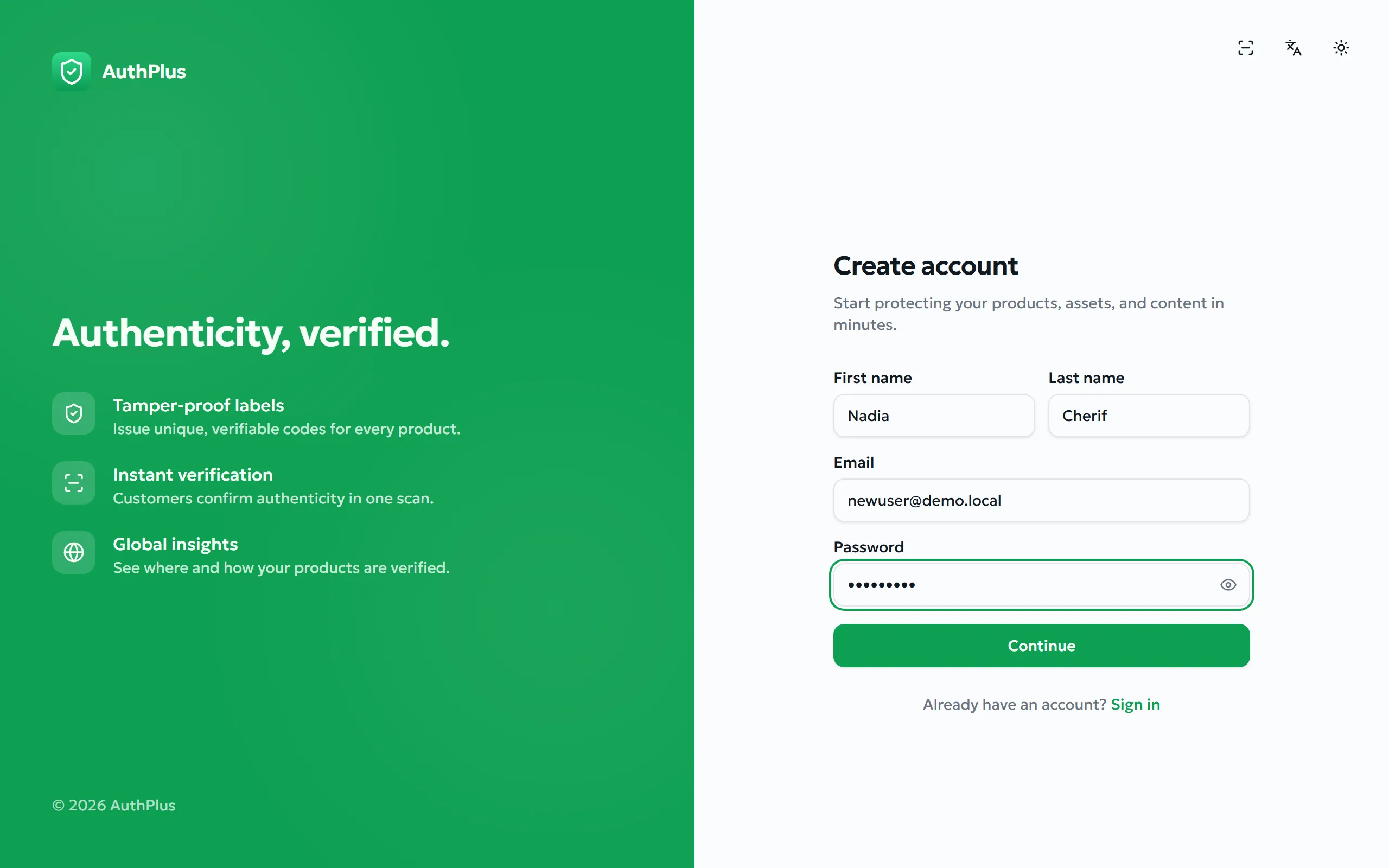
Section titled “Registering yourself”Purpose. Create your own brand-owner account and reach the dashboard for the first time.
Prerequisites. An email address you can read right now, and a password of at least 8 characters.
- Open the AuthPlus website and choose Get started, then Create account. You can also go straight to
/signup. - Fill in First name, Last name, Email and Password, then submit the form.
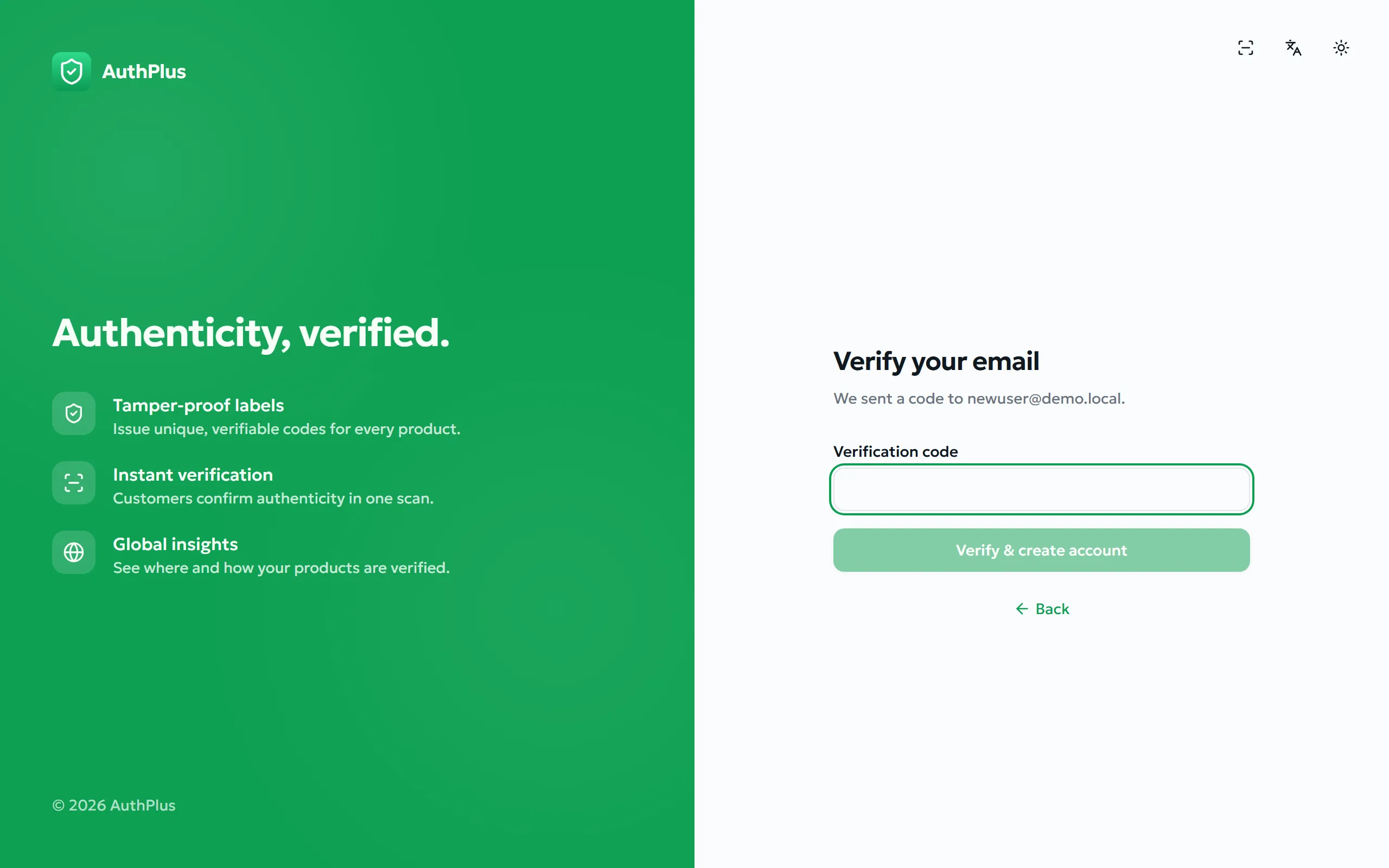
- AuthPlus emails you a 6-digit verification code. Check your inbox — and your spam folder if it does not arrive within a minute or two.
- Type the code into Verification code and choose Verify & create account.
Expected result. The account is created, you are signed in immediately, and you land on the dashboard Overview with empty statistics. Your role is Standard user.
Rules and limits
Section titled “Rules and limits”| Item | Rule |
|---|---|
| Password | Minimum 8 characters. No other requirement is enforced — no obligatory digits, symbols or mixed case, and no maximum length. |
| Must be a valid address and must not already be registered. | |
| Verification code | 6 digits, valid for 10 minutes, and accepted for at most 5 attempts. |
| Names | First and last name are both required. |
| Role | Always Standard user. Only an administrator can grant the Admin role afterwards. |
Common errors
Section titled “Common errors”| Message | Meaning | Resolution |
|---|---|---|
| An account with this email already exists | The address is already registered. | Sign in instead, or use Forgot password if you cannot remember it. |
| Invalid or expired code | One message covers every failure: wrong digits, more than 10 minutes elapsed, or five wrong attempts. | Restart the sign-up form to have a fresh code sent. |
| Password must be at least 8 characters | The password is too short. | Lengthen it and submit again. |
| A valid email is required | The address is malformed. | Correct the typo — a domain and an @ are required. |
| Challenge verification failed | An invisible anti-bot check did not complete, usually after the page has been left open a long time. | Reload the page and submit again. See The invisible anti-bot check. |
Accounts created for you by an administrator
Section titled “Accounts created for you by an administrator”Organisations usually create accounts centrally instead of letting staff self-register. In that case an administrator creates the account with an initial password and passes it to you directly (see §28 User management).