
Signing in
Esta página aún no está disponible en tu idioma.
Two ways in — a password, or a single-use code by email — plus recovery if you are locked out.
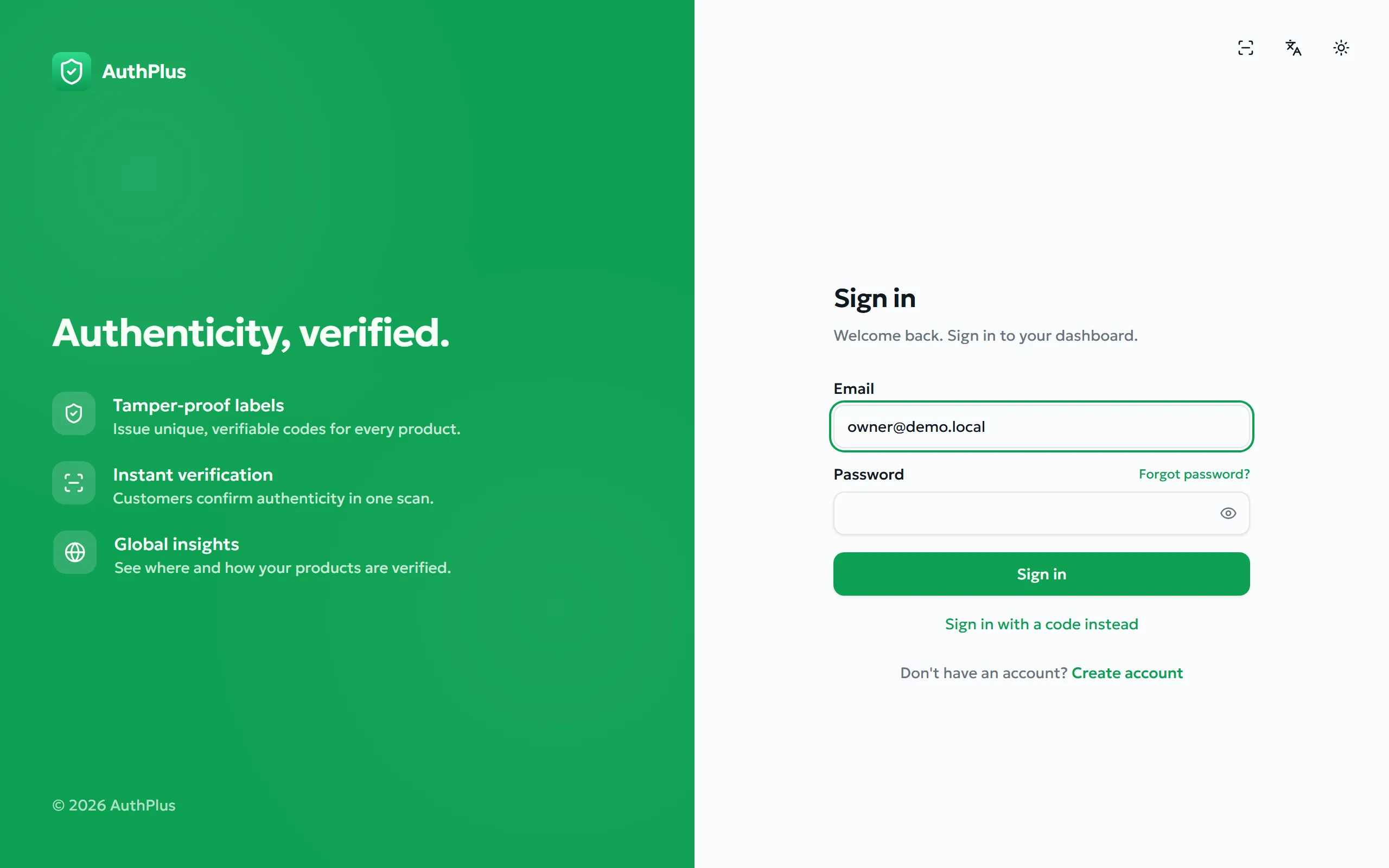
With your password
Section titled “With your password”- Go to
/signin, or choose Get started on the website. - Enter your Email and Password.
- Select Sign in.
Expected result. You arrive on the dashboard. If you were sent to the sign-in page from a deeper link, you return to that page instead.
With a one-time email code
Section titled “With a one-time email code”Purpose. Sign in without typing a password — useful on shared or unfamiliar devices, or if you never set a memorable password.
- On the sign-in page choose Sign in with a code instead.
- Enter your email address and choose Send code.
- Read the 6-digit code from your inbox and enter it.
Expected result. You are signed in exactly as with a password. The code is then consumed and cannot be reused.
Forgotten password
Section titled “Forgotten password”- On the sign-in page select Forgot password?
- Enter your email address and request the code.
- Enter the emailed code and your new password (at least 8 characters).
Expected result. The password is replaced and you can sign in with it immediately.
Staying signed in, and signing out
Section titled “Staying signed in, and signing out”AuthPlus keeps you signed in across restarts of the browser or the mobile app; your session is renewed silently in the background, so you should not be interrupted while working. To end a session, open the avatar menu at the top-right and choose Sign out.