
Brand verification
Deciding which brands may display the green check that customers rely on.
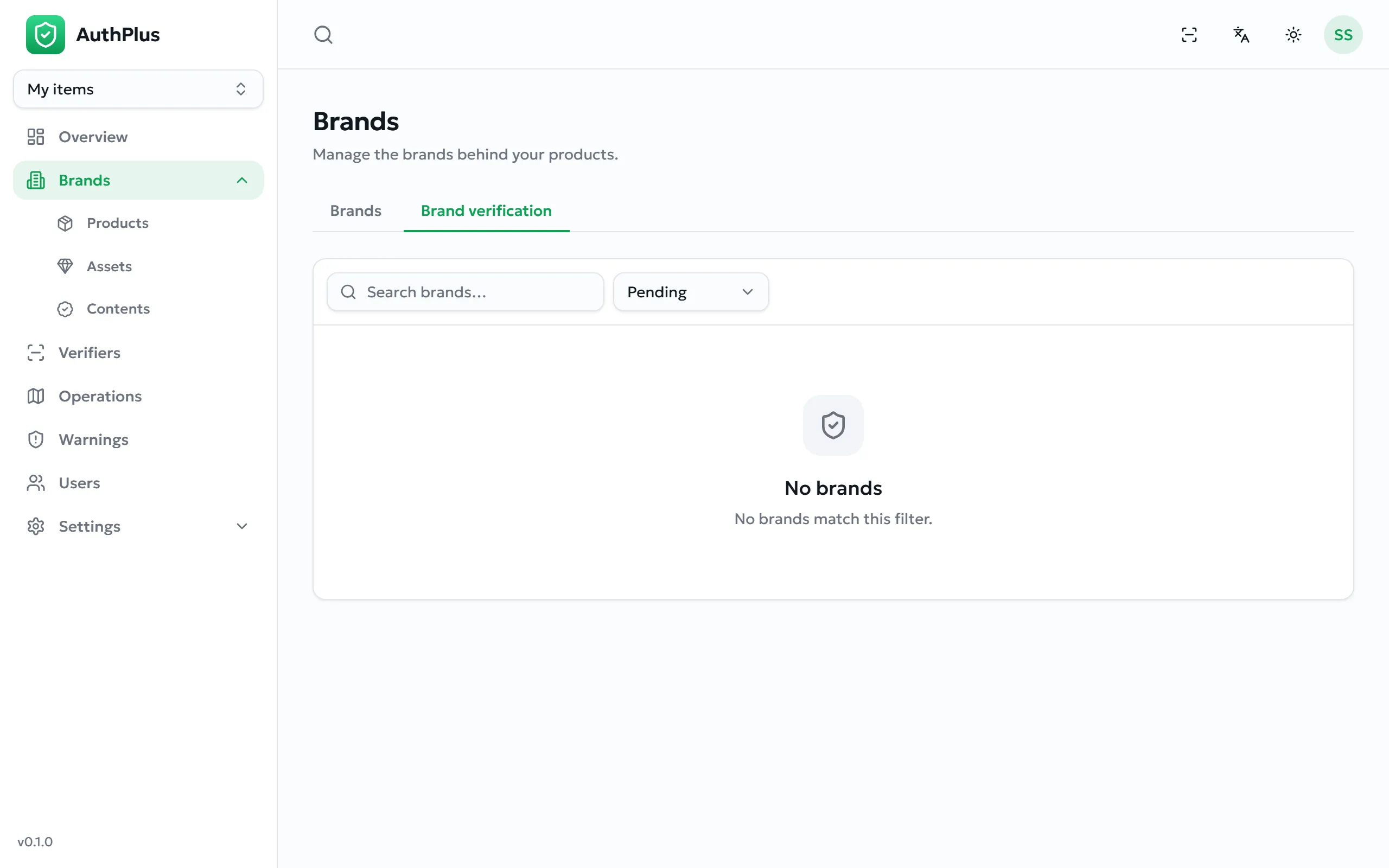
- Open Brands and switch to the Brand verification tab. A red count shows how many requests are waiting.
- Open a request and read the owner’s note and attachments — registration documents, trademark certificates.
- Decide:
- Approve — the badge appears immediately, everywhere the brand is shown.
- Reject — record a clear reason; the owner sees it and may request again.
- Revoke — remove a badge previously granted.