
The verification app
The scanning experience, used by customers, shops, distributors and inspectors. No account, no configuration.
Where to find it
Section titled “Where to find it”| Android app | Web browser | |
|---|---|---|
| Opens on | The verification home screen | The dashboard, unless you open /verify |
| Camera scanning | Yes | Yes, where the browser allows camera access |
| Location recording | Yes, precise | Approximate |
| Best for | Daily field use | Occasional checks, desktop verification of documents |
Both are the same application and behave identically. Installation is covered in Installing the Android app.
The home screen
Section titled “The home screen”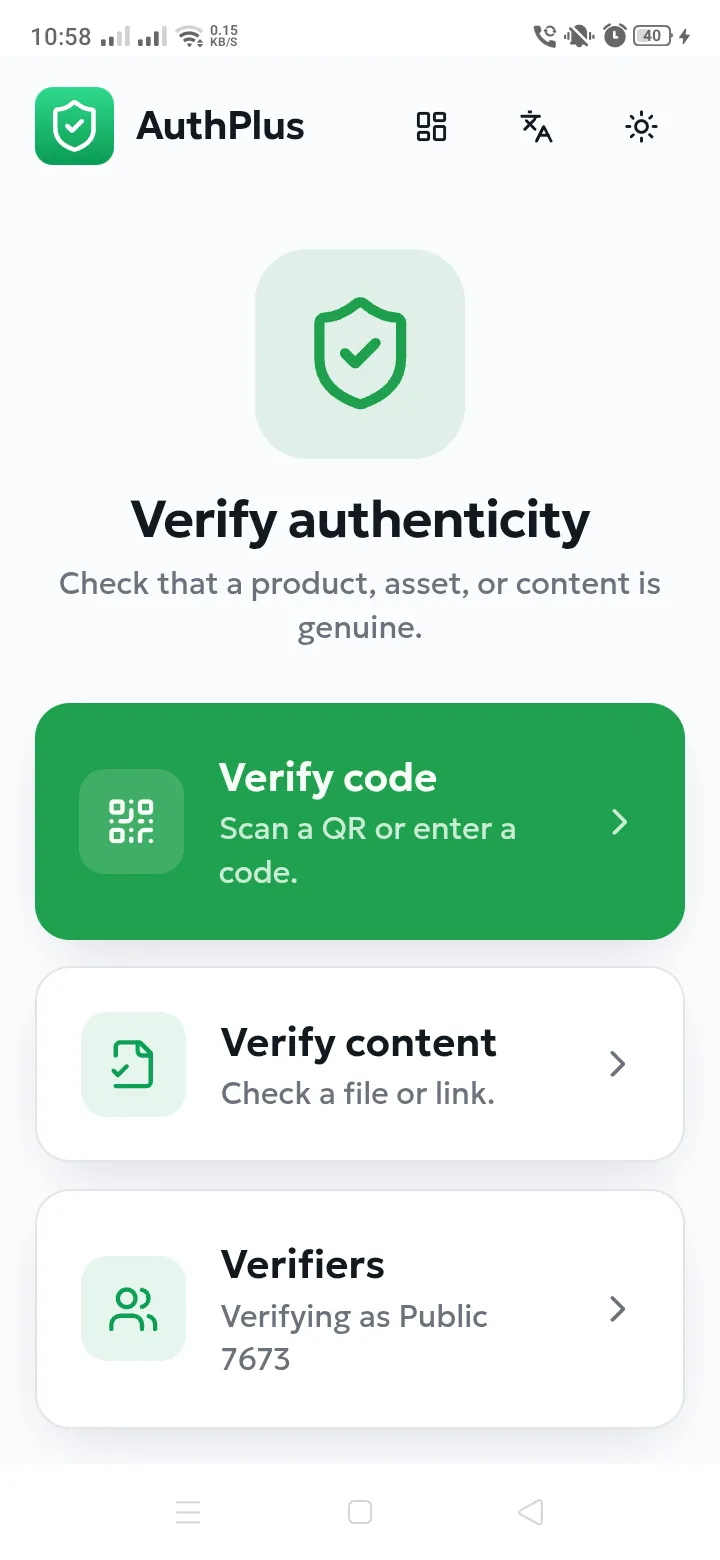
| Element | What it does |
|---|---|
| Verify code | Opens the camera to scan a QR code, or lets you type a code by hand. |
| Verify content | Checks whether a file or a link is a certified document. |
| Verifiers | Manages the profiles on this device. The subtitle shows the active one — “Verifying as …”. |
| Grid icon (top) | Switches to the AuthPlus dashboard, for users who also have an account. |
| Language icon | Switches between English, French and Arabic. |
| Sun / moon icon | Switches between light and dark appearance. |