
Managing verifiers
The register of who is allowed to scan your codes in the field.
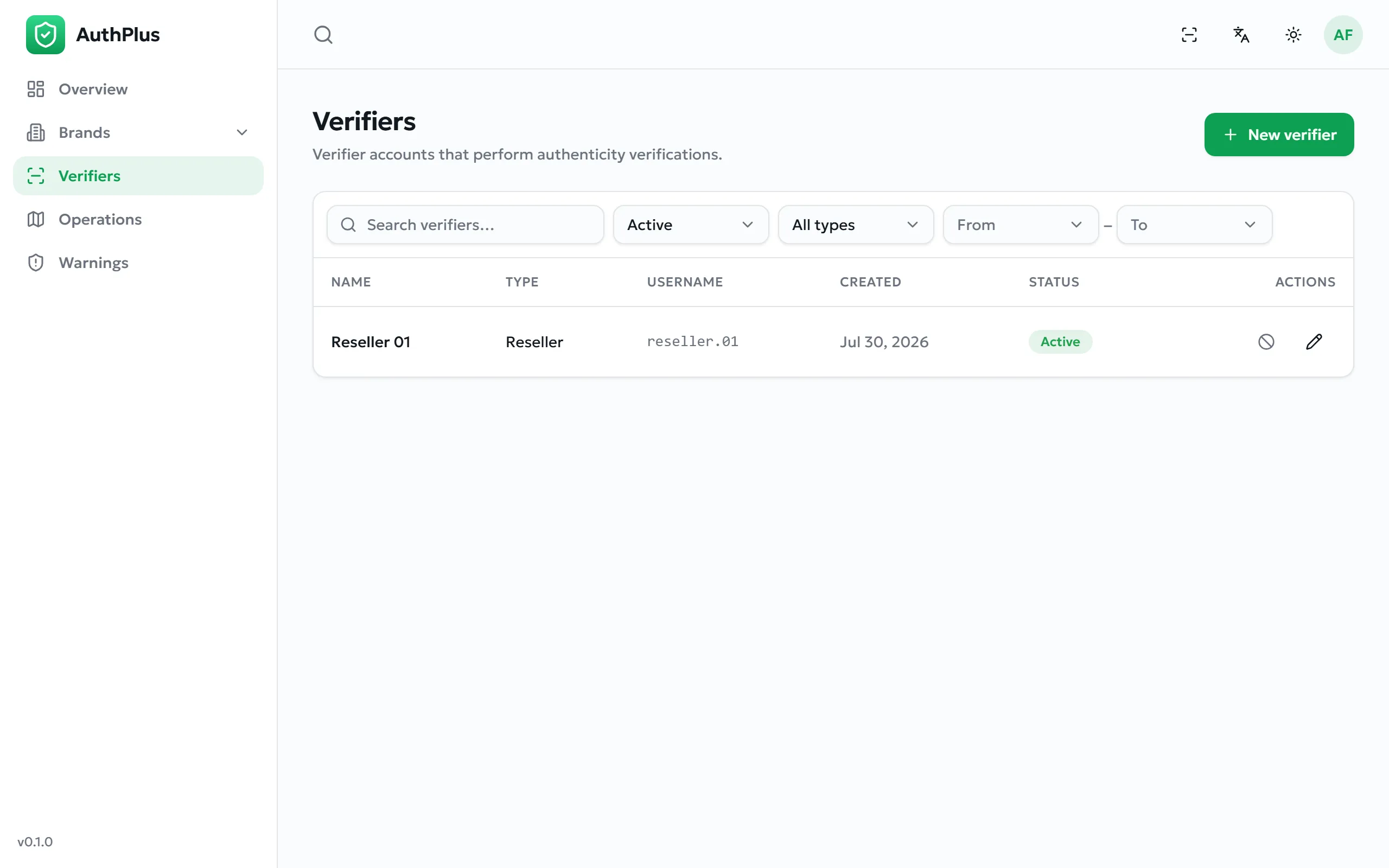
Everyday profiles — the consumer Public type and, where configured, Reseller — are created automatically by the app, so this page is mostly a register: it shows who can scan for you, their type, username and creation date.
Creating a verifier
Section titled “Creating a verifier”- Select New verifier.
- Give it a recognisable Name — this is what appears in scan histories, so name it after the shop or the person.
- Choose the Type. Only types your role may create are offered.
- Set a Username and Password (at least 4 characters), and save.
- Pass the credentials to the person who will use them; they add the profile as described in Adding a professional profile.
Archiving a verifier immediately prevents it from verifying anything, while preserving every scan it already made. This is the correct response to a lost device or a terminated partner.